Claude Video Generation with Higgsfield MCP
📖 About This Video
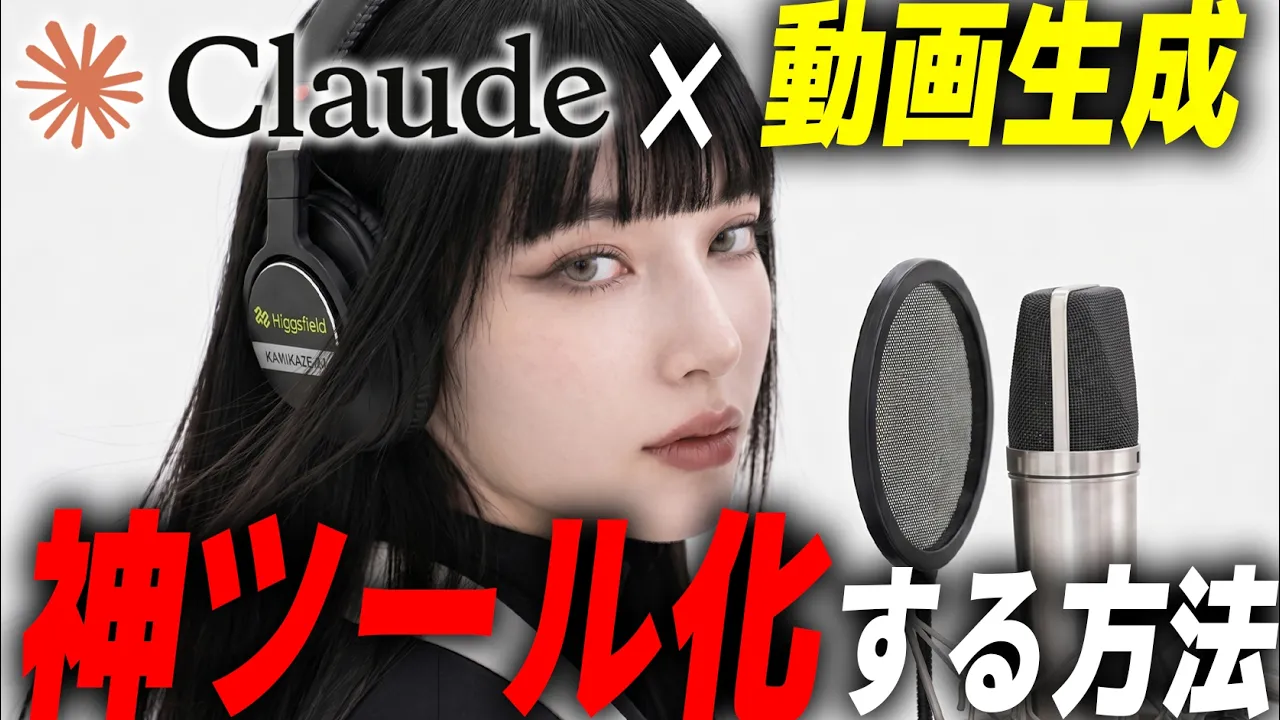
This video is a tutorial/demo showing how to use Claude + Higgsfield MCP to generate AI video and image assets from a desktop workflow. The creator argues that the MCP route is easier than using the CLI path directly, and that it lets Claude access Higgsfield’s generation tools as if they were built into the chat.
The practical message is simple:
- use the Claude desktop app
- connect Higgsfield as a custom MCP connector
- then prompt Claude to generate and organize assets, including multiple outputs in parallel
Channel: かみかぜ
URL: https://youtu.be/HSPQoox0mRo?is=Aw23lwaPB-VIPe0H
Analysis mode: transcript-only (YouTube auto-captions translated to English)
🔬 Hook Microscope (First 10 Seconds)
The opening is stylized and musical rather than instructional. The real setup begins later, after the creator introduces the result and then transitions into the MCP workflow. In practice, the tutorial starts around the 4:30 mark.
🎯 What You’ll Learn
By the end of this video, you’ll be able to:
- Understand why Claude Desktop is required for local MCP-style workflows.
- Connect Higgsfield to Claude through a custom MCP connector.
- Distinguish MCP from the CLI path and know when MCP is easier.
- Use Claude to generate multiple assets in parallel.
- Organize source materials, base images, and logo assets before generation.
- Use voice input in Claude to speed up prompt entry.
- Treat expensive generation APIs as bundled subscription-like access through the MCP layer.
📋 Video Breakdown
Click any timestamp to jump directly to that moment in the video.
- 00:00 — Opening montage / performance intro
- 01:13 — What Higgsfield MCP is and why it matters
- 04:27 — Main tutorial begins: how to use MCP
- 04:33 — Open the Higgsfield homepage and the MCP & CLI section
- 04:40 — MCP vs CLI comparison
- 05:28 — Install Claude Desktop and open settings
- 05:32 — Add a custom connector in Claude
- 05:45 — Paste the Higgsfield MCP URL and sign in
- 06:00 — First live prompt test in Claude
- 06:35 — Why API-style usage can be expensive by itself
- 07:37 — Over 50 models available through the integration
- 07:57 — Recreate an Otohime music video workflow
- 08:18 — Use voice input in Claude
- 08:37 — Prepare and sort working assets before generation
- 09:10 — Generate the first image asset
- 09:54 — Generate a second image asset
- 10:05 — Create a close-up shot with the logo on headphones
- 15:54 — Summary / wrap-up
👁️ Visual Observations
What the frames revealed that the transcript alone would miss.
I used transcript-based capture here, so this section is limited. The transcript still makes the workflow clear:
- the video is not just theory; it shows actual prompts and generation steps
- the creator works from a prepared asset folder and uses Claude to organize it
- the output is presented directly in chat, which implies a desktop-chat-first workflow
🧠 Core Concepts
The mental models, frameworks, and definitions this video teaches.
1) MCP is the easier integration path
The creator explicitly compares MCP and CLI:
- CLI = command-line installation and direct command use
- MCP = connect a service into Claude as a tool/connector
The claim is that MCP is simpler for normal use because it makes the service available inside Claude chat and Claude Code without making you wire everything manually.
2) Desktop Claude is required for local computer work
The video stresses that the browser version of Claude cannot access your computer’s local files and tools. If you want Claude to work on assets on your machine, use the desktop app.
3) Treat generation like a workflow, not a one-off prompt
The creator prepares materials first:
- character drawings
- source materials
- logo assets
- related images
- a working folder that can be sorted by Claude
This is the main procedural insight: prep assets first, then generate.
4) Parallel generation is a real speed gain
The video repeatedly uses prompts that request two outputs at once. That’s the operational trick:
- ask for multiple variants in one go
- let Claude handle the parallel work
- keep iterating only after seeing outputs
5) Voice input matters
The video treats voice input as a serious productivity feature, not a gimmick. You can use the mic icon or a keyboard shortcut to speak prompts, which is faster than typing long instructions.
📝 My Learning Notes
Key Insights
- MCP turns a third-party generation platform into a tool Claude can call directly.
- Desktop app + connector setup is the prerequisite for local workflow automation.
- The workflow is asset-first: organize materials before generating new ones.
- Voice input can be the fastest way to feed rich prompts into Claude.
- Parallel generation is useful for prompt variants and side-by-side comparison.
- The practical value is not only video generation, but also asset orchestration and file organization.
Before → After
Before:
- Separate tools for prompts, generation, file organization, and asset prep.
- Manual copying/pasting between browser, desktop, and folders.
- Expensive API usage feels like a separate product.
After:
- Claude becomes the control surface.
- Higgsfield becomes a connected capability.
- Asset prep, generation, and organization can happen in one workflow.
- You can treat the subscription as bundled access to multiple models/tools.
Questions This Raises
- How much of this setup depends on Higgsfield specifically versus MCP in general?
- Which other video/image platforms could follow the same pattern?
- What is the best prompt template for repeatable asset-generation sessions?
- Can this workflow be adapted into a reusable second-brain capture note or project template?
Personal Reflections
Add your own notes here after watching
This is a strong example of a desktop-native AI workflow: Claude is not just answering questions, it is operating as a workflow hub for creative production.
✏️ Test Yourself
Answer these before and after watching to measure what you learned.
- Why does the creator recommend the Claude desktop app instead of the browser version?
- What is the difference between using Higgsfield through MCP versus directly through CLI?
- Why should you organize source images and logos before generating new assets?
- How does voice input change the speed/quality of prompting?
- What is the advantage of requesting two variations in parallel?
⚡ Apply It
Specific actions to take based on what this video teaches.
- Open Claude Desktop and verify it can access local tools/connectors.
- Add a custom MCP connector for one creative tool you already use.
- Make a small asset folder for one experiment project.
- Test a prompt that generates two variants in parallel.
- Try voice input for a long prompt instead of typing it.
- Build a repeatable prompt template for asset generation.
- Note down which steps are manual versus automatically handled by the connector.
⭐ Rating & Review
After completion:
- Quality (1-5): _/5
- Relevance (1-5): _/5
- Would recommend: Yes
- Best for: Claude Desktop users, creators, and people exploring MCP-based creative workflows
🏷️ Auto-Generated Tags
Content Analysis:
- Type:
video - Topics: AI, tools, automation, creative
- Complexity: intermediate
- Priority: high because it demonstrates a concrete setup procedure for a local AI workflow
Why These Tags:
AIbecause the video is about Claude and generative modelstoolsbecause the main topic is integrating external tooling into Claudeautomationbecause MCP enables workflow automationcreativebecause the output is AI-generated mediatutorialandtechnicalbecause it is a practical setup walkthrough
Suggested Bases Filters:
- Find similar content:
type = video AND tags contains "AI" - Find unwatched high-priority:
priority = high AND status = inbox AND read = false
🔗 What to Explore Next
- [[wiki/mcp/mcp]] — MCP basics and connector patterns
- [[wiki/claude-code/claude-code]] — Claude Code workflow and local tooling
- [[wiki/ai-tools/ai-tools]] — broader AI tool ecosystem context
- [[notes/KnowledgeFactory Enterprise]] — the larger knowledge workflow that this kind of setup can feed into
Captured: 2026-06-30
Source: https://youtu.be/HSPQoox0mRo?is=Aw23lwaPB-VIPe0H
Channel: かみかぜ
Connection to Other Notes:
- This note documents a concrete example of a Claude + external tool connector workflow.
- It fits the existing
wiki/mcp/andwiki/claude-code/topic hubs. - It is useful as a reference for building repeatable creative pipelines inside myrag.