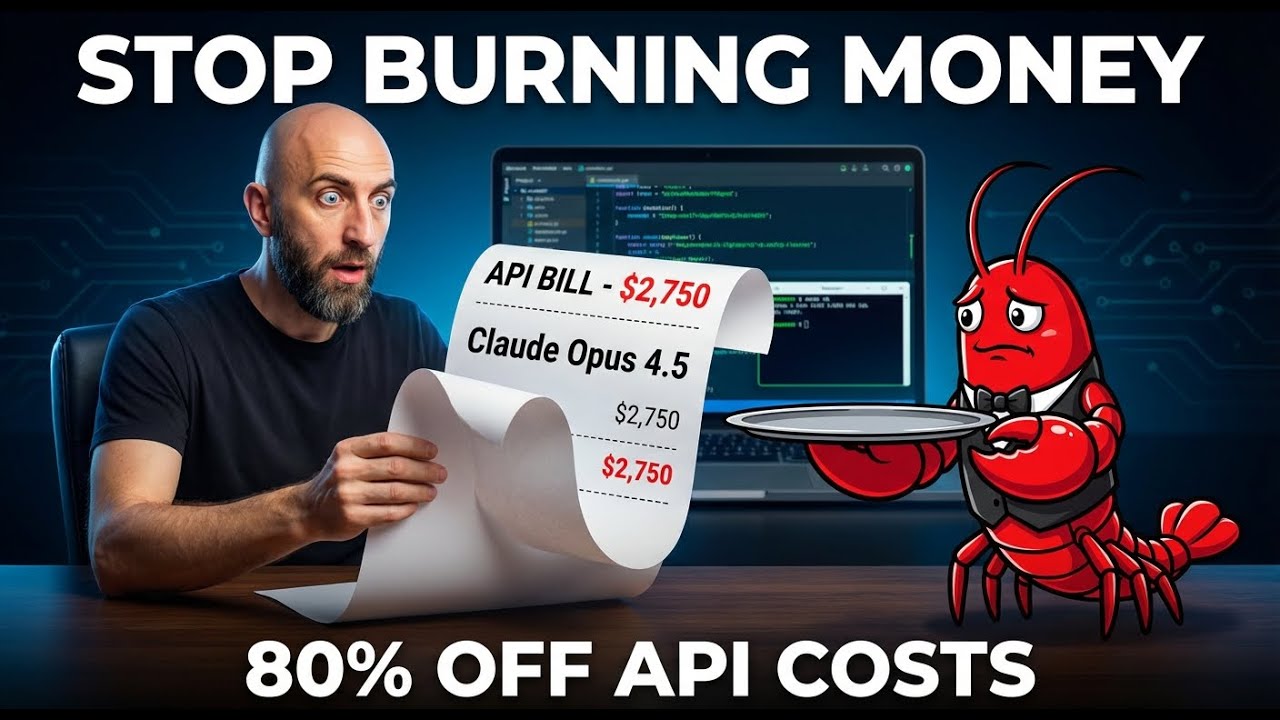
I cut my OpenClaw API bill by 80% with one config change
📖 Description
If you’re running OpenClaw, there’s a good chance you’re burning money right now without realizing it.
In this video, VelvetShark shows you how to set up multi-model routing to cut your API costs by 50-80% - without losing quality on the tasks that actually matter.
Channel: VelvetShark URL: https://www.youtube.com/watch?v=fkT41ooKBuY
🎯 Learning Objectives
By the end of this video, you will understand:
- Why OpenClaw’s default configuration costs more than it should
- How to implement model tiering for different task types
- The exact configuration changes to cut costs by 50-80%
- How to use the /model command for dynamic cost control
- Price differences between frontier, mid-tier, and cheap models
- When to use free vs. paid tiers for production work
📋 Curriculum/Contents
0:00 - The problem: you’re burning money 0:39 - Why OpenClaw costs so much by default
- Heartbeats use Opus ($30/M tokens)
- Sub-agents all use primary model
- Simple queries hit expensive models
- No automatic fallback when rate limited
1:26 - The fix: model tiering
- Complex reasoning → Frontier models (Opus, GPT-5.2)
- Daily work → Mid-tier (Sonnet, DeepSeek R1)
- Simple tasks → Cheapest models (Gemini Flash-Lite, DeepSeek V3.2)
2:22 - Model price comparison
- Opus: $30/M tokens
- GPT-5.2: $11.25/M tokens
- DeepSeek R1: $2.74/M tokens
- Gemini 2.5 Flash-Lite: $0.50/M tokens
- 60x price difference between cheapest and most expensive
3:03 - Manual config vs auto routing
- Manual: More control, requires setup
- OpenRouter auto-router: Less control, no configuration
3:34 - Copy-paste config walkthrough
- Heartbeat configuration: Gemini 2.5 Flash-Lite
- Sub-agents: DeepSeek R1
- Fallback chain: GPT-5.2 first (different provider)
- Model aliases for easy switching
5:10 - Quick tip: /model command
/model sonnet- Switch to mid-tier/model opus- Switch to default/models- See available providers
6:14 - Cost calculator demo
- Light user: $200 → $70 (65% savings)
- Power user: $943 → $347 (63% savings)
- Heavy user: $2,935 → $1,000 (66% savings)
- Link: https://calculator.vlvt.sh
8:04 - Why I don’t use free tiers
- Aggressive rate limits
- Slow performance (congested)
- Can disappear without notice
- Better: “almost free” paid tiers ($0.40-0.50/M tokens)
9:17 - Final tips & next steps
📝 Notes & Key Takeaways
Main Insights
-
Default OpenClaw is expensive: Everything routes to your primary model (usually Opus), including heartbeats, sub-agents, and simple lookups.
- Model tiering is the solution: Different tasks need different intelligence levels:
- Heartbeats (periodic checks) → Gemini Flash-Lite ($0.50)
- Sub-agents (parallel work) → DeepSeek R1 ($2.74)
- Complex tasks → Keep Opus ($30)
-
Massive cost savings: 50-80% reduction with proper configuration, no quality loss on important tasks.
-
Provider fallback matters: If Anthropic rate-limits, falling back to Sonnet won’t help. Fallback to a different provider (GPT-5.2, Gemini) keeps you running.
-
Cheap models are fast: Gemini 3 Flash runs at ~250 tokens/sec vs Opus at ~50 tokens/sec.
- Free tiers are risky for production: Rate limits, slow performance, can disappear. “Almost free” paid tiers ($0.40-0.50) are worth the reliability.
Actionable Points
- Update your config file (
~/.openclaw/openclaw.json):- Set heartbeat model to Gemini 2.5 Flash-Lite
- Set sub-agent model to DeepSeek R1
- Configure fallback chain with different providers
- Add model aliases for easy switching
- Use the cost calculator (https://calculator.vlvt.sh):
- Input your usage pattern (heartbeats, sub-agents, queries)
- See exact savings potential
- Get copy-paste config output
- Master the /model command:
- Switch models on-the-fly for cost control
- Use aliases (opus, sonnet, flash) instead of full paths
- Stay on Opus for complex work, switch to cheaper for quick tasks
- Restart gateway after config changes:
openclaw gateway restart - Monitor your usage: Track which tasks use which models to optimize further.
Personal Reflections
Add your own notes here after watching
⭐ Rating & Review
After completion:
- Quality (1-5): 5/5
- Relevance (1-5): 5/5
- Would recommend: Yes
- Best for: OpenClaw users with API cost concerns, power users running multiple agents
🏷️ Auto-Generated Tags
Content Analysis:
- Type:
video(YouTube content) - Topics: AI agents, OpenClaw configuration, cost optimization, model selection
- Complexity: Technical but accessible - requires basic understanding of OpenClaw and API concepts
- Priority: High - immediate actionable cost savings
Why These Tags:
AI- Core subject matteropenclaw- Specific platform discussedproductivity- Efficiency improvement focuscost-optimization- Main theme of the videotechnical- Requires configuration and technical setupactionable- Clear, implementable steps providedtutorial- Step-by-step guidance formatinbox- New content requiring action
Suggested Bases Filters:
- Find similar content:
type = video AND tags contains "cost-optimization" - Find high-priority learning:
priority = high AND status = inbox - Find OpenClaw tutorials:
tags contains "openclaw" AND tags contains "tutorial"
🔗 Related Topics & Further Research
Related Searches:
- OpenClaw documentation on model configuration
- DeepSeek R1 vs Claude Opus benchmarks
- OpenRouter auto-routing configuration
- API cost monitoring tools for AI agents
- Multi-agent system architecture patterns
Useful Links:
- Cost calculator: https://calculator.vlvt.sh
- Config file: https://velvetshark.com/openclaw-multi-model-routing
- OpenClaw docs: https://docs.openclaw.ai/
- OpenRouter: https://openrouter.ai
Model Pricing Reference (Feb 2026):
- Gemini 2.5 Flash-Lite: $0.50/M tokens
- DeepSeek V3.2: $0.53/M tokens
- GLM 4.7: ~$0.40/M tokens
- DeepSeek R1: $2.74/M tokens
- GPT-5: $11.25/M tokens
- Claude Opus 4.5: $30.00/M tokens
Captured: 2026-02-06 Source: https://www.youtube.com/watch?v=fkT41ooKBuY Channel: VelvetShark
Connection to Other Notes: This video directly relates to OpenClaw operational efficiency and cost management. Consider cross-referencing with:
- Your OpenClaw configuration documentation
- API cost tracking spreadsheets
- Other VelvetShark tutorials on OpenClaw optimization