Automate Your Tasks in 5 Minutes: Apps Script + Gemini for Beginners
📖 Description
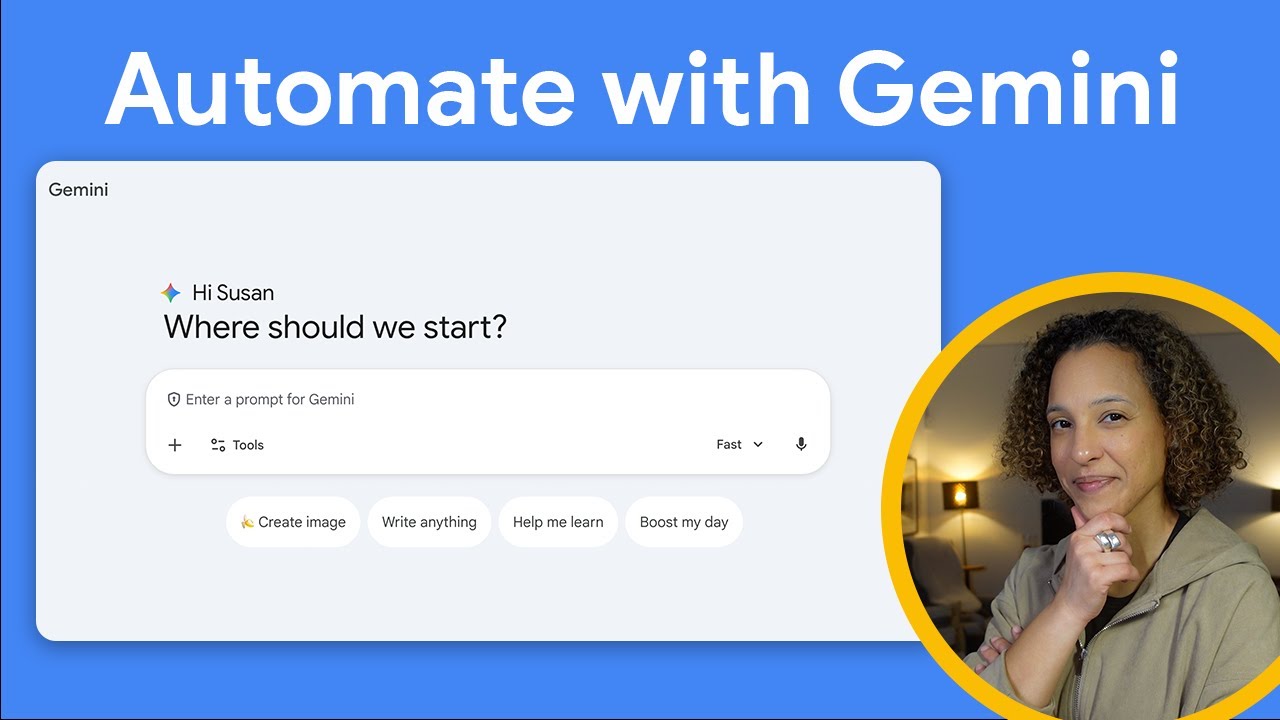
In this video, you will see how you can automate a task within Google Workspace with Gemini without having to write a single line of code.
Channel: Google Workspace Developers URL: https://www.youtube.com/watch?v=5iCcbsaRebA
🎯 Learning Objectives
By the end of this video, you will understand:
- How to use Gemini to generate Apps Script code without coding experience
- How to leverage Gemini’s multimodal capabilities (screenshot understanding)
- How to create a Google Sheets automation that adds events to Calendar
- How to implement custom menu items in Google Sheets
- The workflow for prompting Gemini for specific automation solutions
📋 Curriculum/Contents
| Timestamp | Topic |
|---|---|
| 0:00 | Introduction - Automating with Apps Script + Gemini |
| 0:15 | Viewing the Google Sheets with events to add to Calendar |
| 0:25 | Accessing gemini.google.com |
| 0:35 | Using Gemini’s multimodal capabilities with screenshots |
| 0:50 | Crafting a detailed prompt for code generation |
| 1:15 | Reviewing Gemini’s generated Apps Script code |
| 1:30 | Pasting code into Apps Script project in Sheets |
| 1:45 | Running the automation via custom menu |
| 1:55 | Verifying events in Google Calendar |
| 2:00 | Extending the automation with follow-up prompts |
📝 Notes & Key Takeaways
Main Insights
- Zero-code automation - Gemini can generate complete Apps Script solutions from natural language prompts
- Multimodal input - You can show Gemini screenshots of your spreadsheet data instead of typing it out
- Specific prompting works - Being detailed about exactly what you want (custom menu, specific actions) yields better results
- Iterative improvement - You can ask Gemini to add features (like status tracking) and paste updated code
Actionable Points
- Try automating a repetitive Google Workspace task using this Gemini + Apps Script workflow
- Use screenshots when showing Gemini your spreadsheet structure
- Structure prompts with: role (“You are an expert”), goal, specific requirements
- Remember to refresh Sheets after pasting code for custom menus to appear
Personal Reflections
Add your own notes here after watching
⭐ Rating & Review
After completion:
- Quality (1-5): _/5
- Relevance (1-5): _/5
- Would recommend: Yes / No
- Best for: Beginners looking to automate Google Workspace tasks without coding
🏷️ Auto-Generated Tags
Content Analysis:
- Type:
video(YouTube tutorial) - Topics: Gemini AI, Google Apps Script, Google Workspace automation, no-code solutions
- Complexity: Beginner-friendly
- Priority: Medium - practical quick-win automation technique
Why These Tags:
AI,Gemini- Core technology showcased for code generationautomation- Primary use case demonstratedproductivity- Solving repetitive task problemcoding- Apps Script is the underlying technologytutorial- Step-by-step instructional formatquick-read- Only 2 minutes, concise and actionable
Suggested Bases Filters:
- Find similar content:
type = video AND tags contains "automation" - Find high-priority learning:
priority = high AND status = inbox
🔗 Related Topics & Further Research
Related Searches:
- Apps Script documentation for Calendar integration
- Gemini prompting best practices for code generation
- Google Workspace automation patterns
- Other Google Workspace Developers tutorials
Captured: 2026-01-16 Source: https://www.youtube.com/watch?v=5iCcbsaRebA Channel: Google Workspace Developers
Connection to Other Notes:
- Related to AI-assisted coding workflows
- Could link to other Gemini capability notes
- Connects to productivity/automation knowledge base